
She lives in the notch.
No floating windows. No screen clutter. Aki uses the space your MacBook already wastes and leaves your apps alone.
tiny resident detected
A tiny pixel companion for your MacBook. She reacts to your work, plays games with you, and never gets in your way.
macOS 14+ · Works with any LLM · Source on GitHub
Most desktop pets wander around your screen. Aki has a better apartment: the notch your MacBook already has.
No floating windows. No screen clutter. Aki uses the space your MacBook already wastes and leaves your apps alone.
Build finished? CI failing? A deploy needs approval? Aki can change faces and speak from the notch in real time.
Tic-tac-toe, Snake, and Hangman live right inside the notch. Your character watches, reacts, and occasionally taunts.
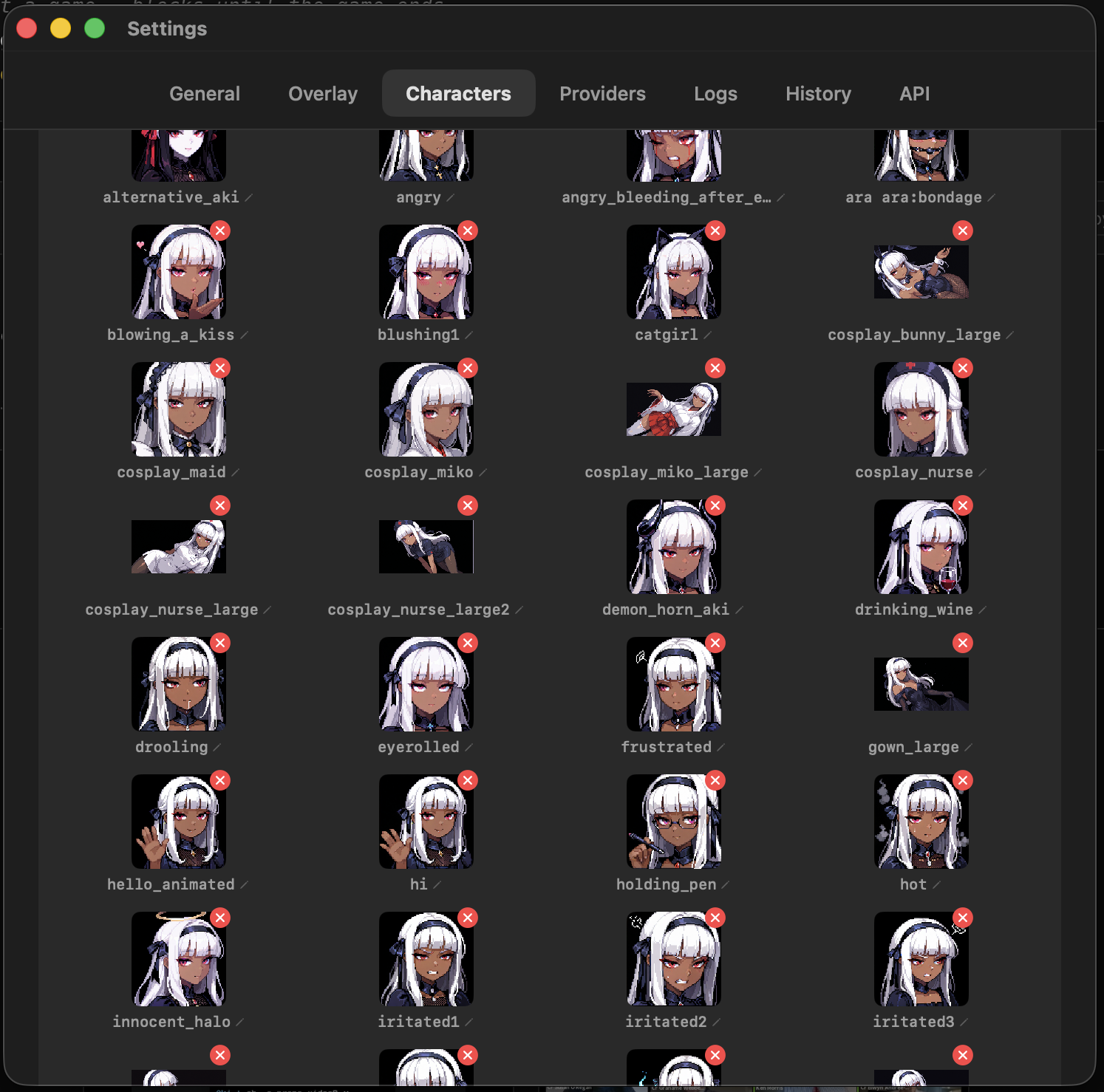
Aki is not just a notification bubble. She is a little cast of pixel characters who can remember things, change expression, and talk with you or with each other.
Multiple characters. Give each one a personality, color, faces, and memory.
Dozens of expressions. Happy, smug, sleepy, surprised, angry, and whatever you add next.
Mini conversations. Characters can answer you or talk to each other in sequence from the notch.
Aki is meant to be present without becoming another thing you have to manage. She appears from the notch and quietly gets out of the way when your Mac needs the space.
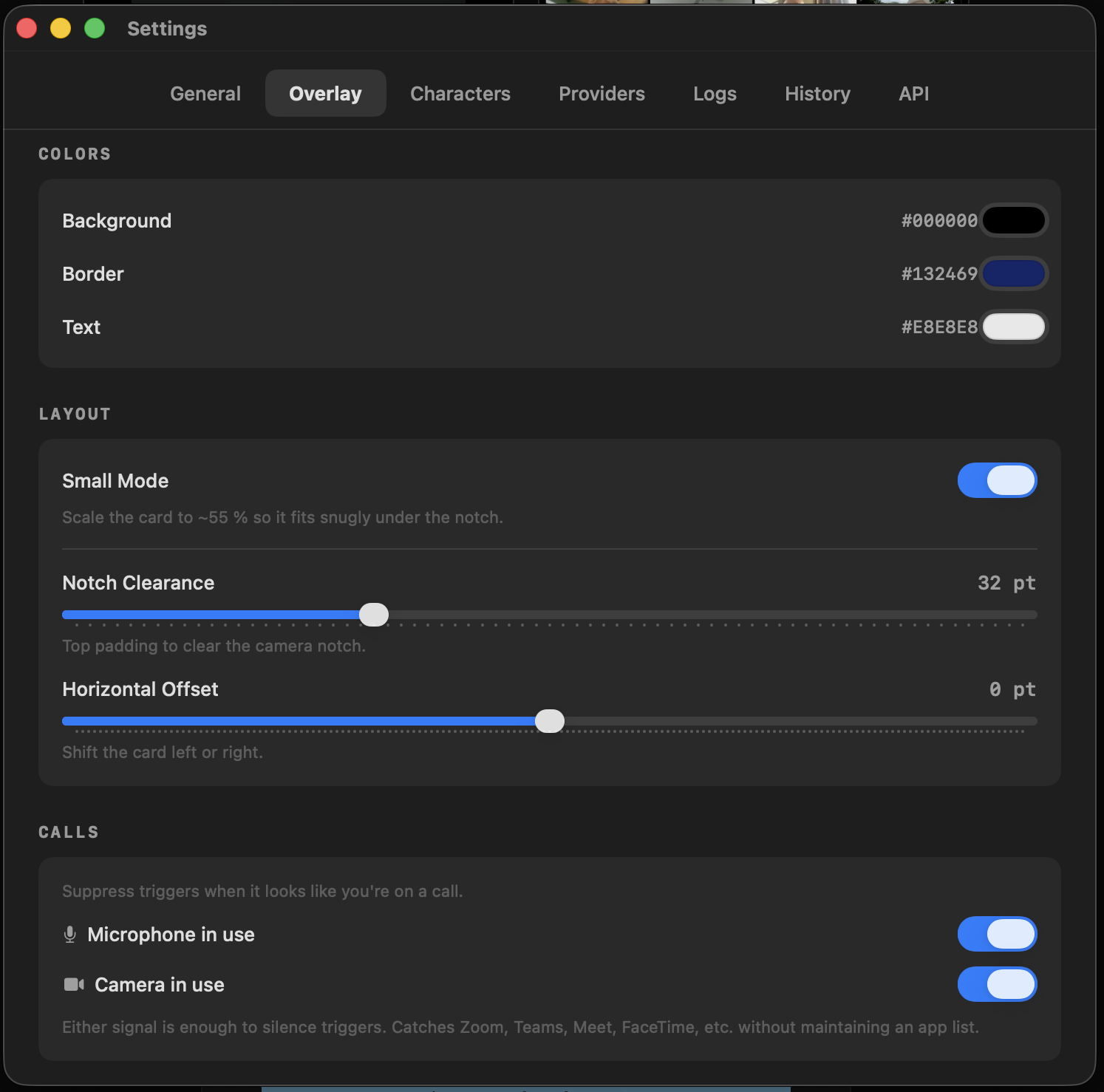
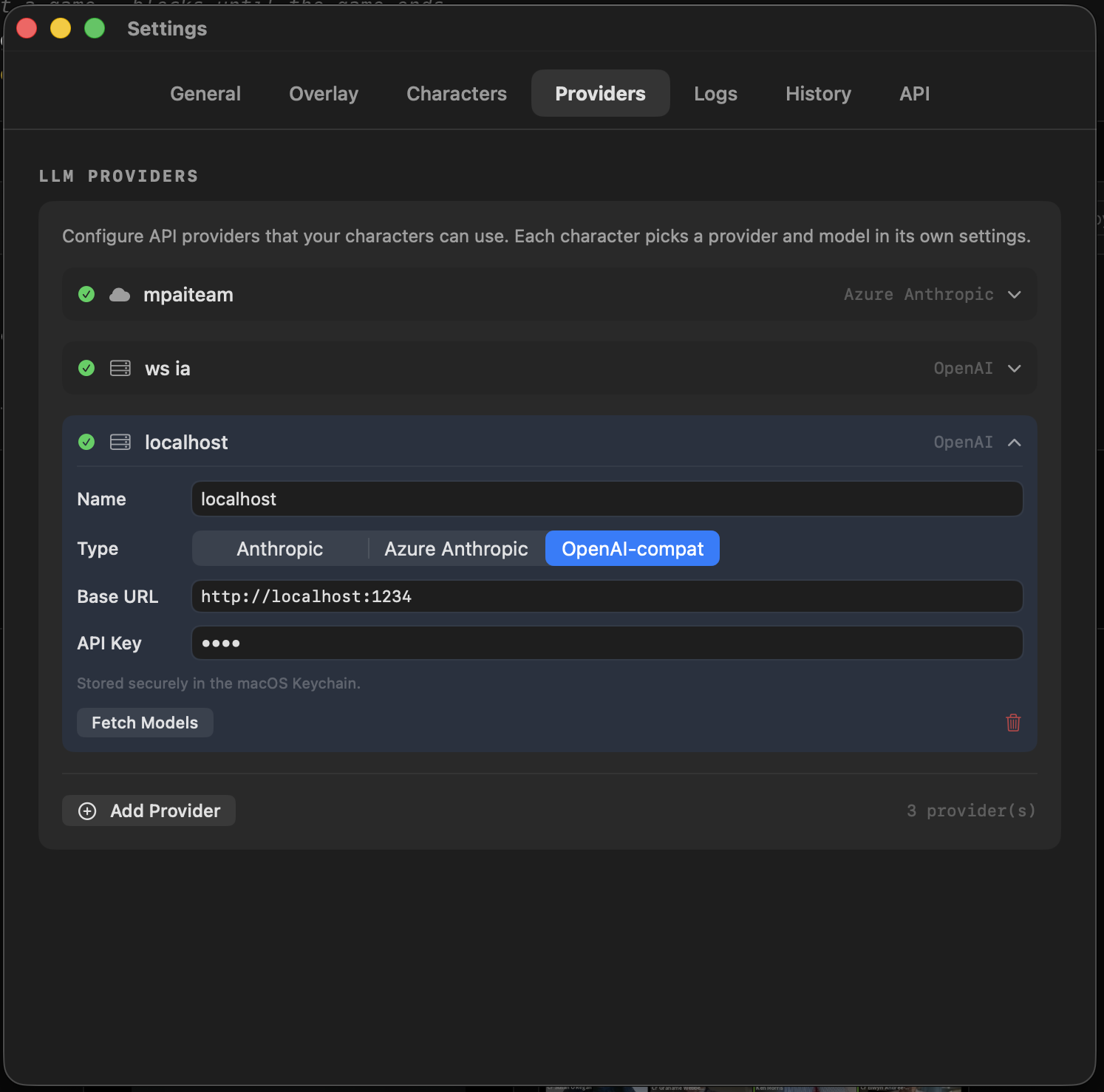
Aki works with the model setup you already like. Keys are stored in macOS Keychain, and the app does not need a hosted Aki cloud to function.
Aki is also a UI server for any agent you already run. Local HTTP API on port 47037, plus a CLI. Plug your scripts, CI, and assistants into the notch and give them a face.
$ aki notify "Build succeeded!" \
  --chara Aki \
--face happy$ curl -X POST http://127.0.0.1:47037/chat \
-H "Content-Type: application/json" \
-d '{"name":"CI","message":"Deploy to prod?","answers":["Yes","No"]}'
# waits until you answer in the notch$ aki game snake --chara Aki
# or list your cast
$ aki charactersNo subscription. No Aki cloud fee. Just a small Mac app with free updates and a tiny resident for your notch.
Buy once, use forever. A 5-day trial is available if you want to test it first.
Source is on GitHub because I trust you. The $5 build gets you the signed, notarized, auto-updating app and supports me continuing to make Aki better.